The cable is never where you left it
Then come the drivers, the "Allow access?" prompt on the phone, and the hunt for the right folder.

Scan a QR code and move photos, videos, folders and text between your phone and Windows PC, or between two PCs, at full Wi-Fi speed. Nothing goes through the internet, and nothing gets compressed.
Then come the drivers, the "Allow access?" prompt on the phone, and the hunt for the right folder.
Sending to yourself on a chat app compresses photos and videos, and big files hit a size limit.
Google Drive or OneDrive uploads every file to the internet and back down again, just to cross the room.
Pathau sends files straight from one device to the other over the Wi-Fi you already have. No cable, no cloud, no chat app in between.
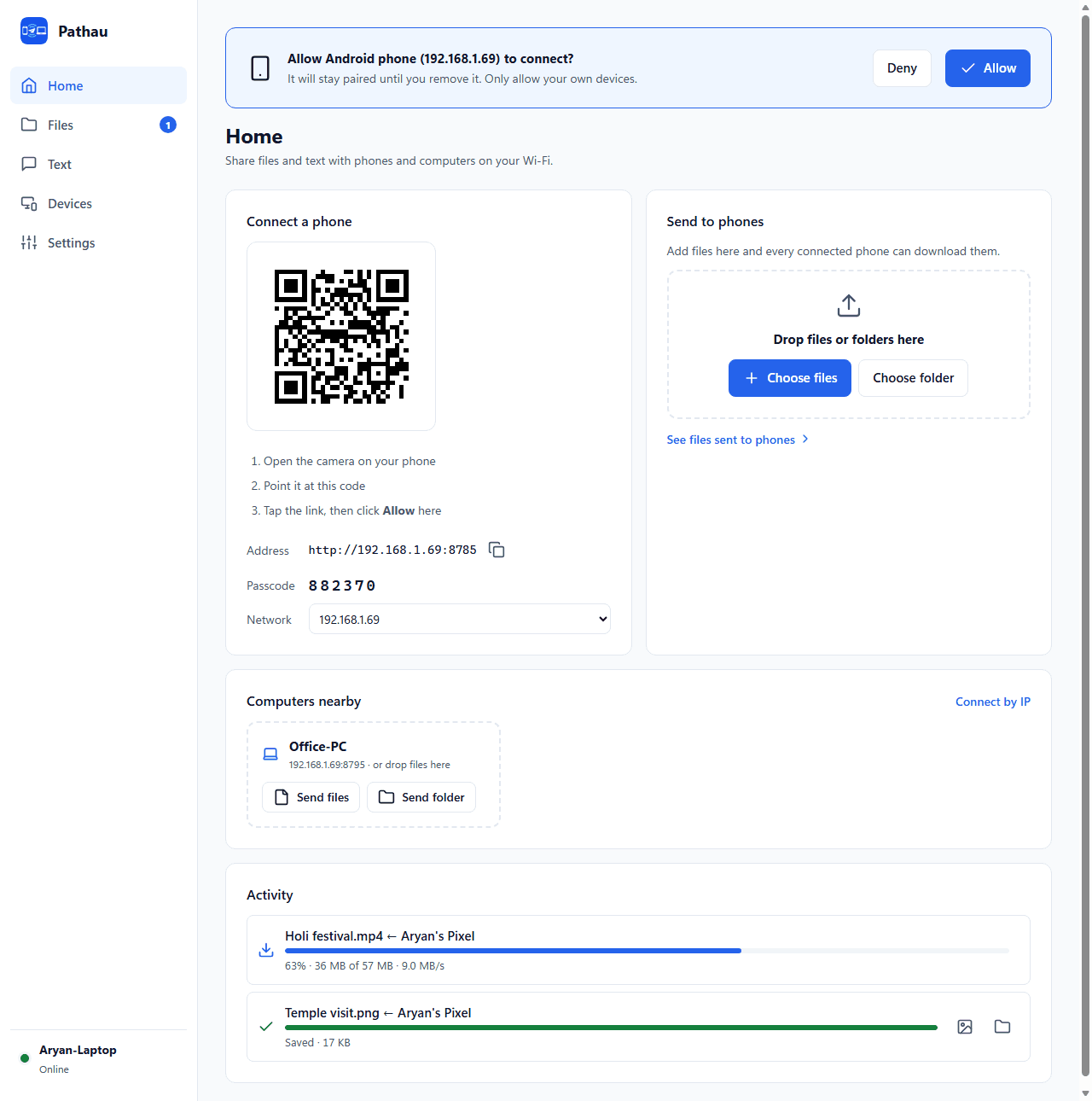
Download one small .exe and open it. No installer, no admin rights, no account. It shows a QR code.
Your phone's camera opens Pathau in the browser. Click Allow on the PC once, and the phone stays paired.
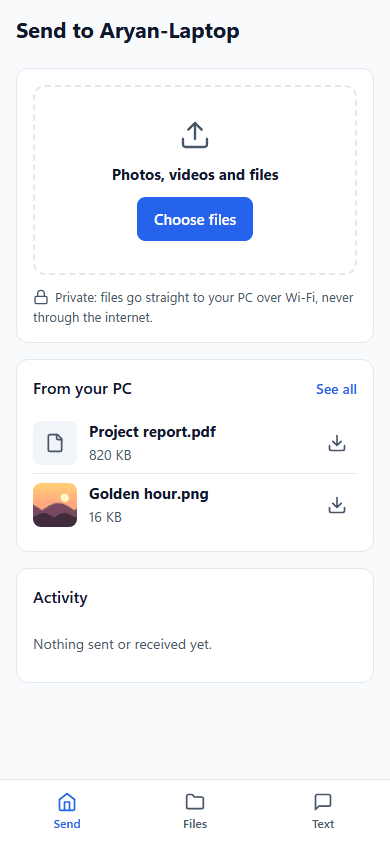
Pick photos, videos or files on the phone, or drop files on the PC. They go straight across your Wi-Fi.
Photos, videos and documents arrive exactly as they left the phone. Nothing compressed, any size, even many GB.
Drop files or whole folders on Send to phones. Every paired phone sees them under Files with a Download button.
Other PCs running Pathau show up automatically. The receiver clicks Accept, and every file is SHA-256 verified on arrival.
Paste on the phone and it lands on the PC clipboard, ready for Ctrl+V. From an OTP message, only the code is copied.
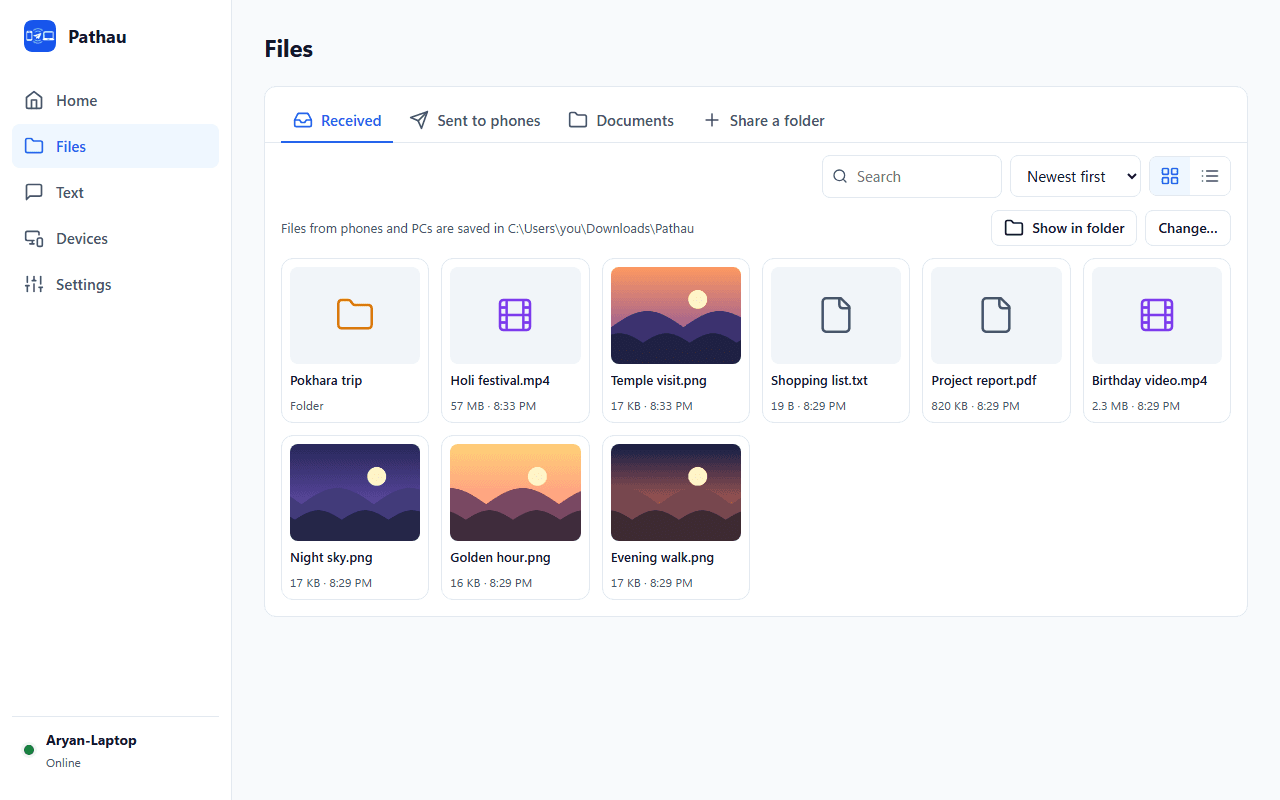
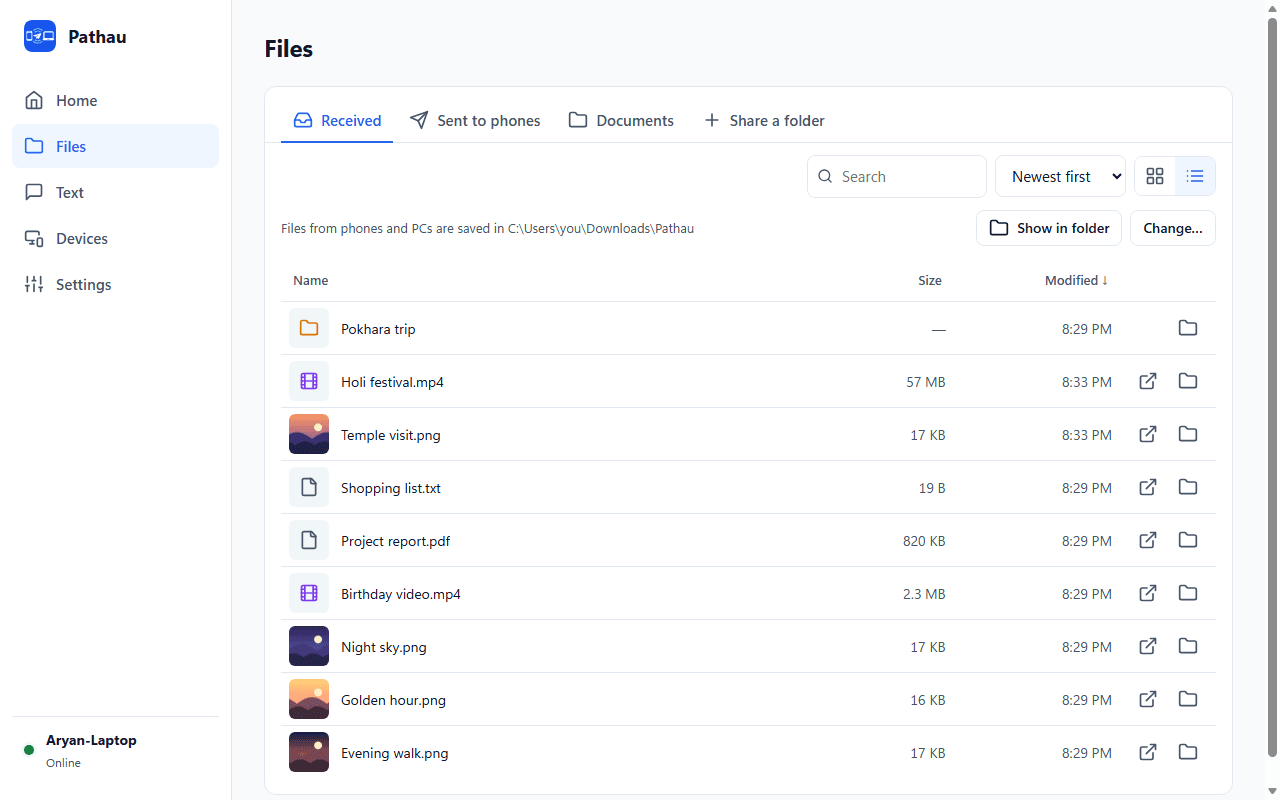
Received files, files sent to phones and shared folders, in grid or list view, sorted by size, date or name, with search.
Control any transfer from either device. Resume picks up from the same byte. Cancel deletes the half-received file.
Share a folder once and your phone can browse and download from it, but never change or delete anything.
Starts with Windows and sits in the system tray. Notifications tell you when files or texts arrive.
A new phone needs the code in the QR and your Allow on the PC. Remove any device to lock it out instantly.
Real screenshots of Pathau with sample files.
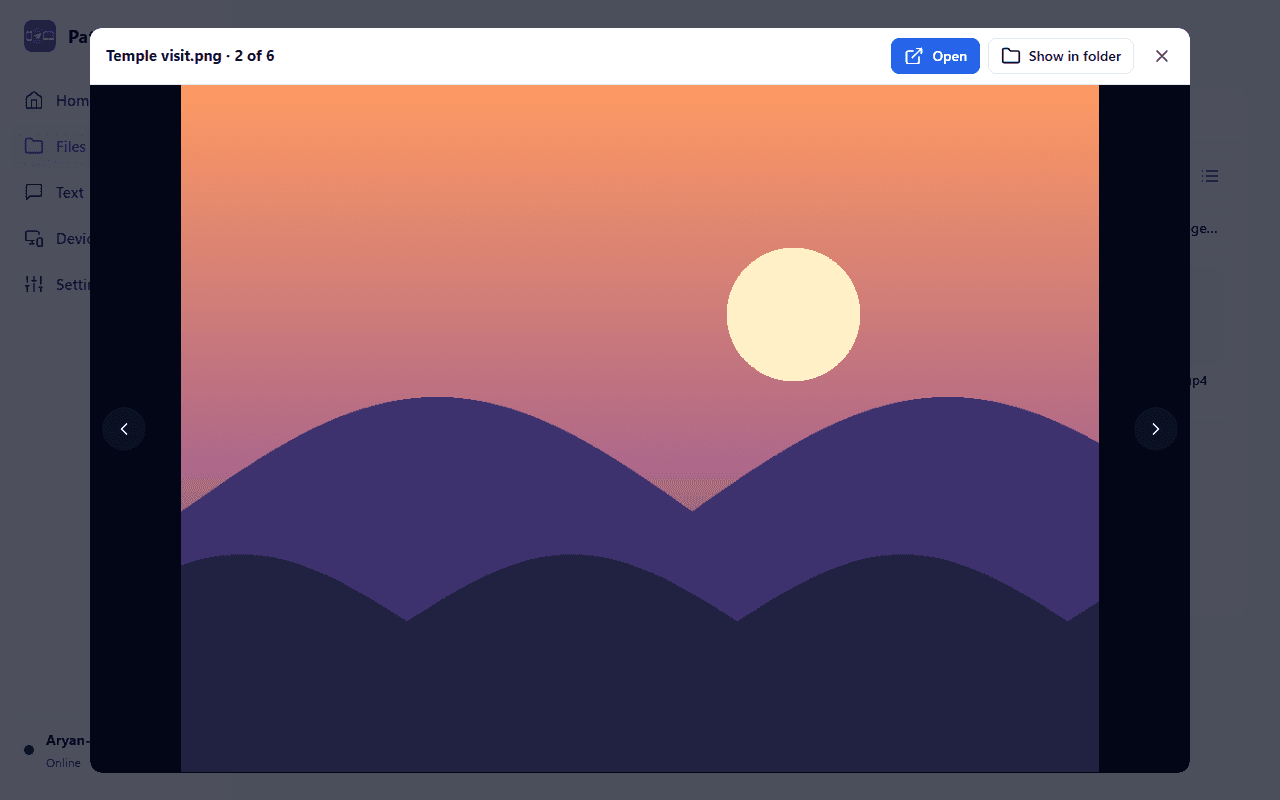
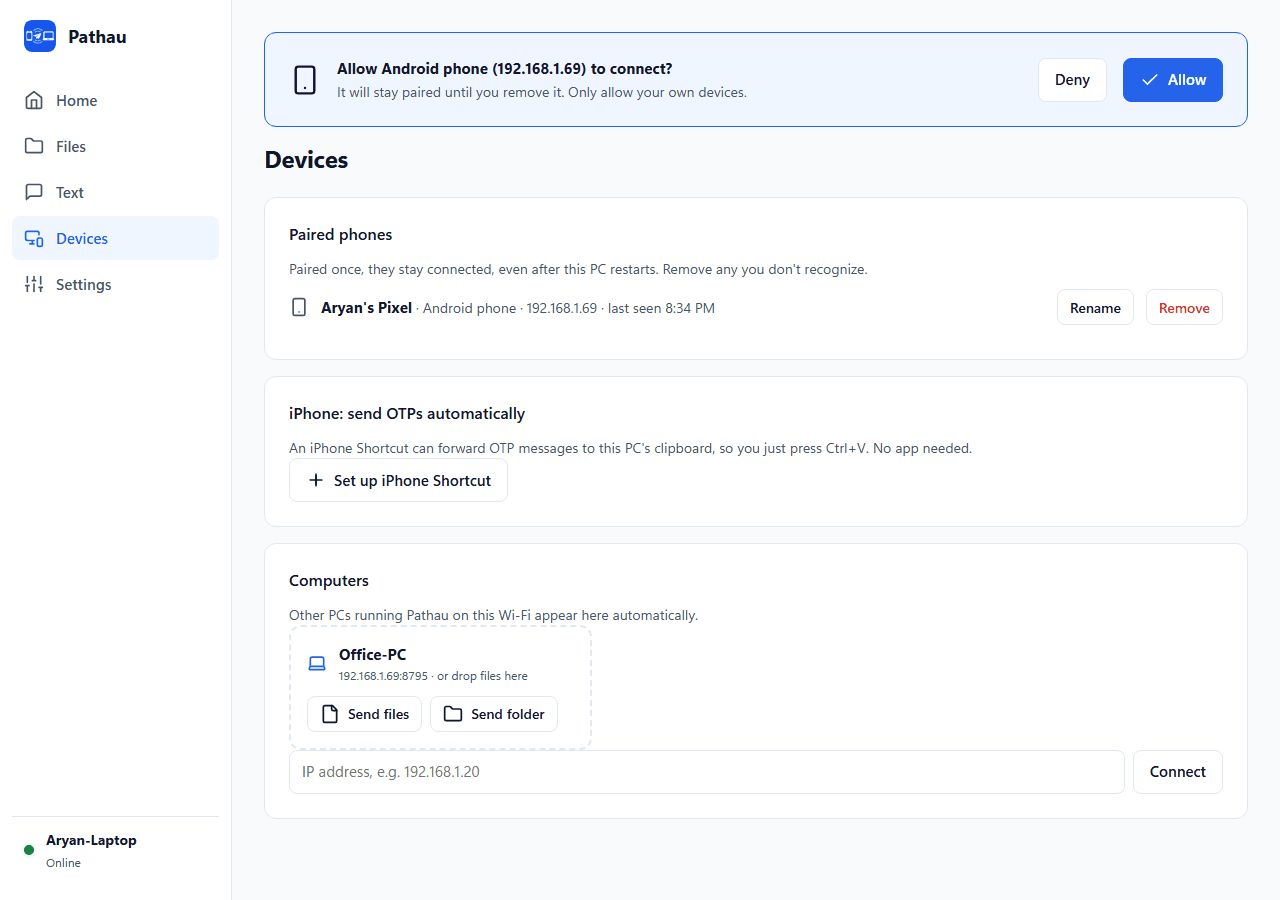
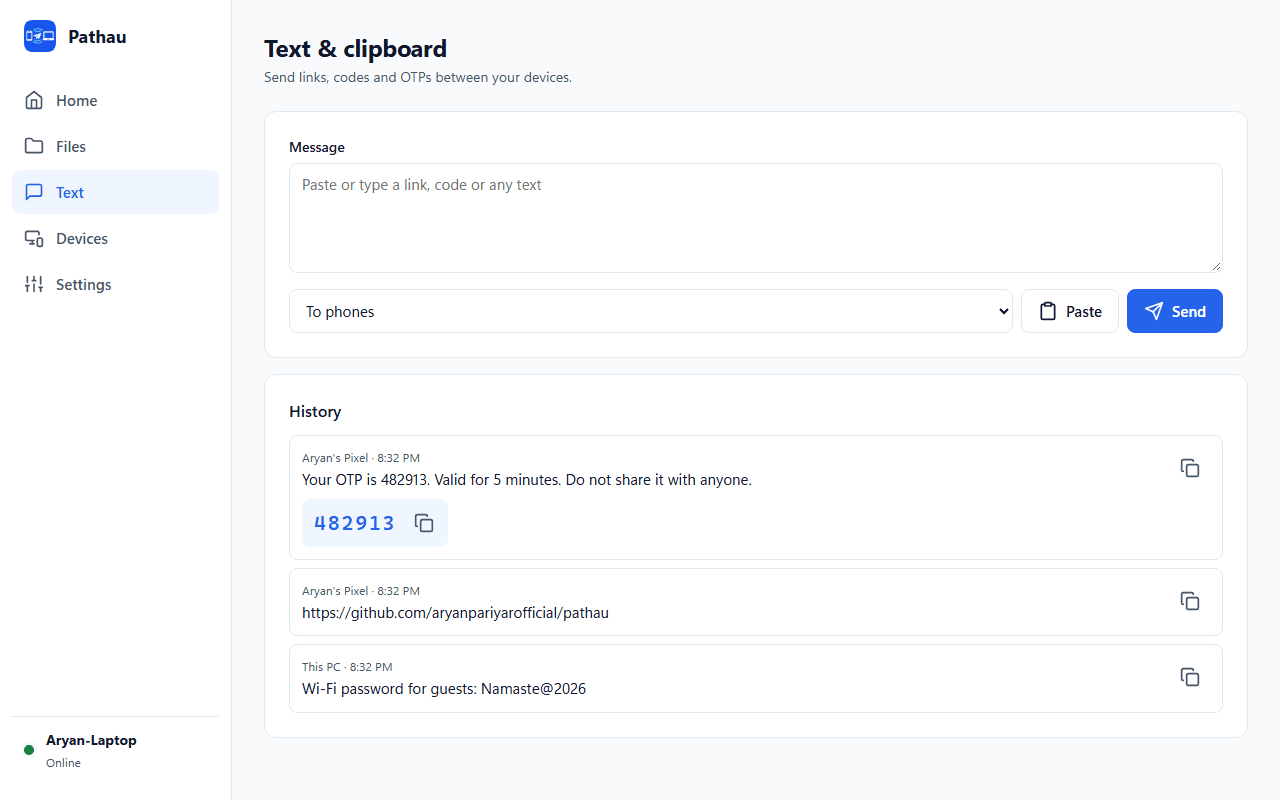
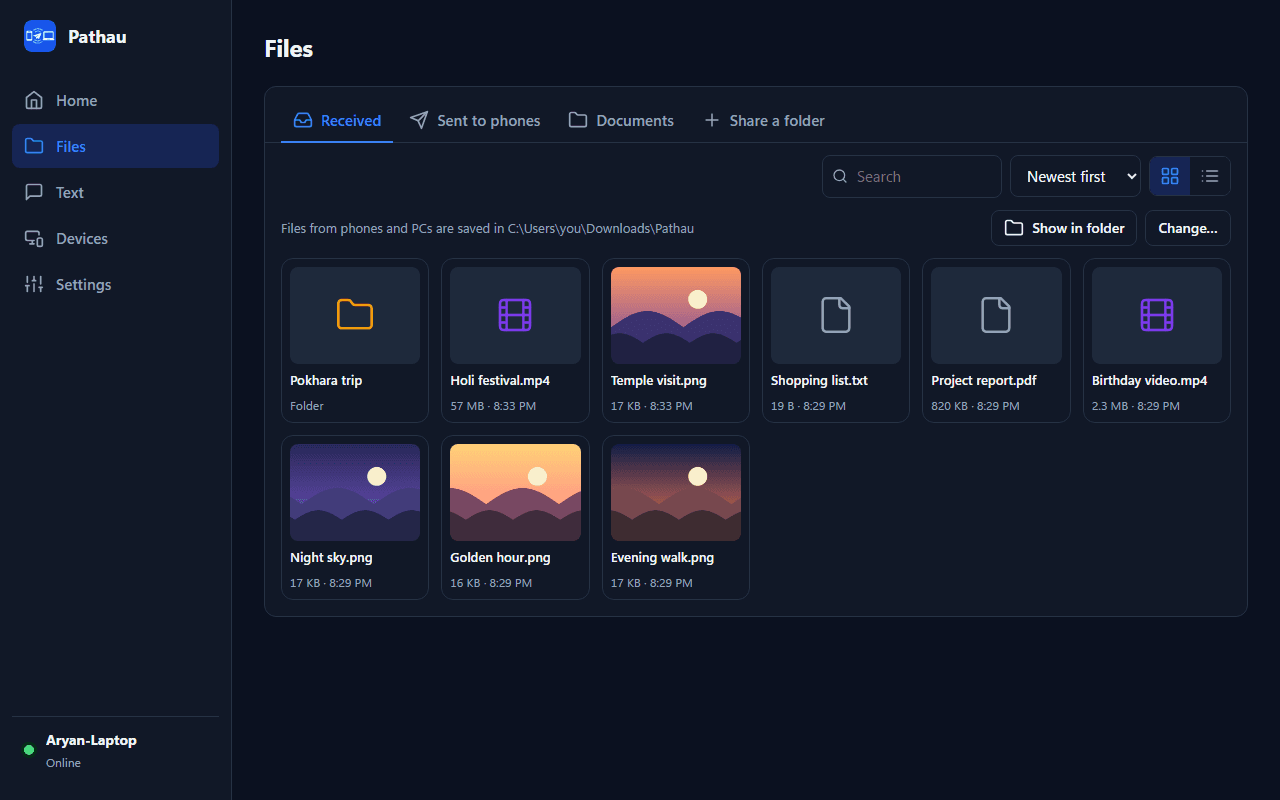
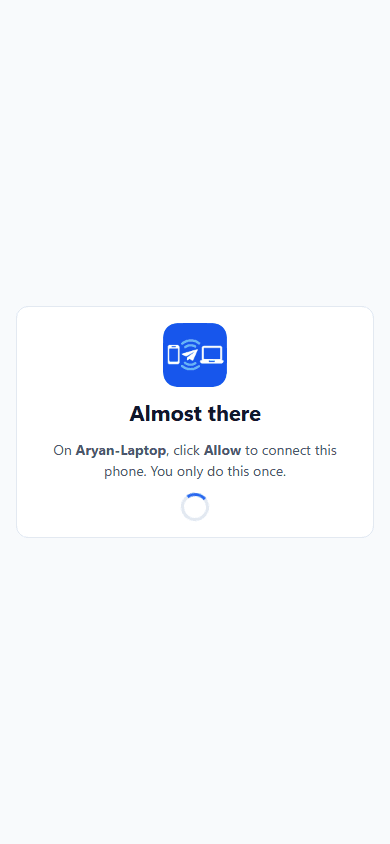
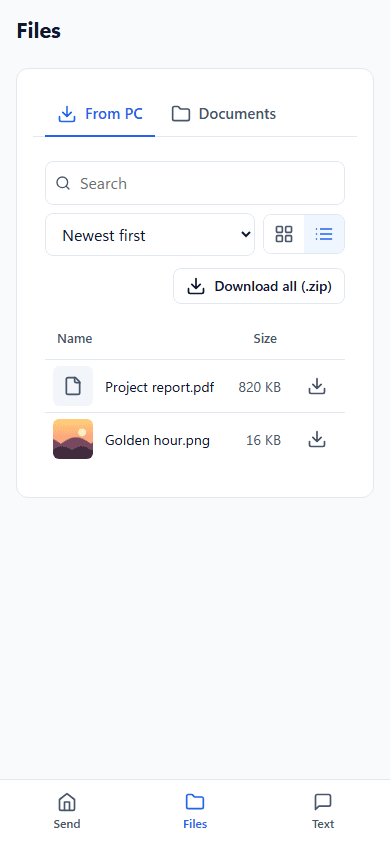
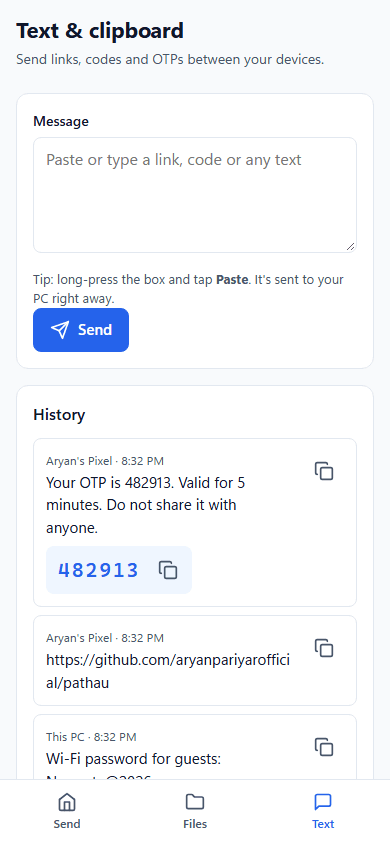
Short answer: Pathau is the only one that keeps full quality, uses no data and needs no cable.
| Feature | Pathau | USB cable | WhatsApp / Messenger | Google Drive / OneDrive |
|---|---|---|---|---|
| Original photo and video quality | Yes | Yes | No, compressed | Yes |
| Uses internet or mobile data | No | No | Yes | Yes, up and down |
| Works without a cable | Yes | No | Yes | Yes |
| Send whole folders | Yes | Yes | No | Yes |
| Files stay on your own network | Yes | Yes | No | No |
| File size limit | None | None | Yes | Your storage plan |
| Cost | Free, open source | A cable | Free | Free up to a limit |
Free, no sign-up. Download the .exe from GitHub, run it, and click Allow when Windows Firewall asks (private networks).
If Windows shows "Windows protected your PC", click More info then Run anyway. It appears for new apps that aren't code-signed yet.
Pathau is free and open source. A star on GitHub helps more people find it, and following me gets you my next free apps and tools first. Found a bug or have an idea? Open an issue.
Yes. Pathau is free and open source under the MIT license. There are no ads, no account, no license key and no paid version.
No. Your phone uses its normal browser: scan the QR code on the PC and Pathau opens. You can add it to your home screen so it's one tap next time. On iPhone it then opens full screen, like an app.
Yes, with any phone that has a modern browser: Chrome on Android and Safari on iPhone. On iPhone, choose Options, then Current in the photo picker to send photos in their original format.
No. The phone and PC only need to be on the same Wi-Fi or router. It works with no internet connection at all and uses no mobile data.
There is no size limit. Files stream straight to the disk, so videos of many gigabytes work, with live progress and speed. The speed depends on your Wi-Fi.
Pathau only works on your local network, and a phone can only connect after you click Allow on the PC. Shared folders are read-only, and you can remove any paired device at any time. The full details are in the security policy on GitHub.
Browsers show that label for every http:// address. Secure certificates (the padlock) can't be issued for home network addresses like 192.168.1.5. Your Wi-Fi password still encrypts the traffic, pairing controls who can connect, and nothing leaves your network.
Windows SmartScreen shows this for new apps that aren't code-signed yet. Click More info, then Run anyway. Every release is built from the public source code on GitHub, with SHA-256 checksums you can check.
Yes. Run Pathau on both PCs on the same network and they find each other. Click Send files or drag files onto the other computer, which clicks Accept. Every file is checked with SHA-256 when it arrives.
The official download is for Windows 10 and 11. Because Pathau is open source, it also builds and runs on macOS and Linux from the source code, without the tray icon for now.
I designed and built Pathau end to end: the Windows app, the phone web app, security and the release pipeline. I do the same for clients, from websites and web apps to SEO and content. More about me.

Fast, scalable web apps and sites built to convert.

Brand systems and creatives that command attention.

Generative visuals, video and automation pipelines.

Story-driven edits and motion graphics that pop.

Engineering-led SEO that ranks and scales.

Keep your product fast, secure and up to date.
Real price ranges, and when a web app like Pathau's phone side is enough.
Read more →GuideWhat a business website or web app costs, and what drives the price.
Read more →AppsAafno Hisab finance tracker, Sort Rush and 3D Sort Factory.
Read more →Free toolsWebsite speed checker, QR code generator, meta tag generator and more.
Read more →Last updated · By Aryan Pariyar · Source code on GitHub
Tell me what you need. I reply within 24 hours with a plan and a fixed quote.